The Spreadsheet
Twenty connected Excel tabs for the months of planning. Budget, guests, seating, vendors and more.
Look insideAn Excel planning spreadsheet that does the arithmetic for you, a wedding planner you edit in Canva and print, and stationery to match.
See what's inside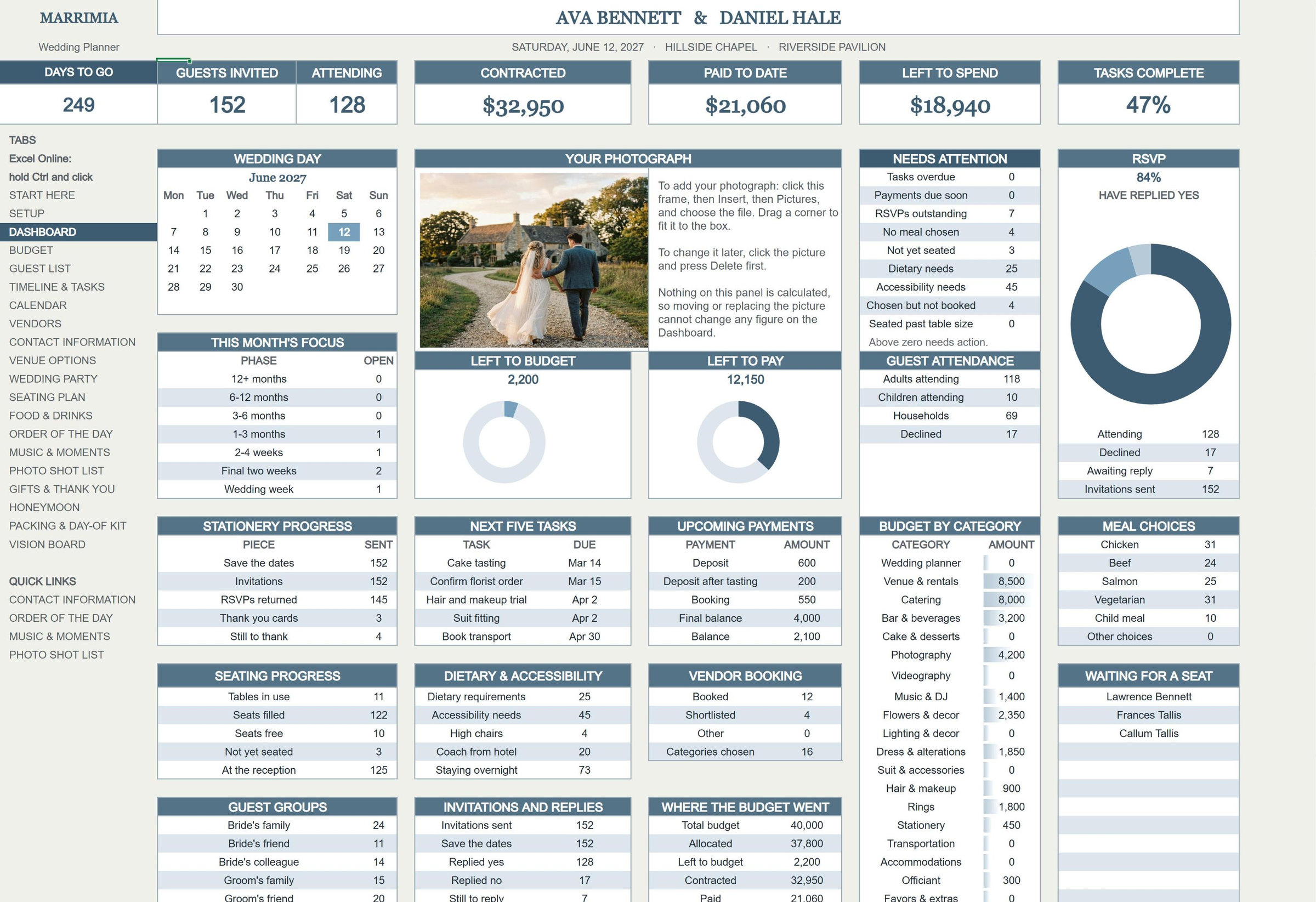

Twenty connected Excel tabs for the months of planning. Budget, guests, seating, vendors and more.
Look inside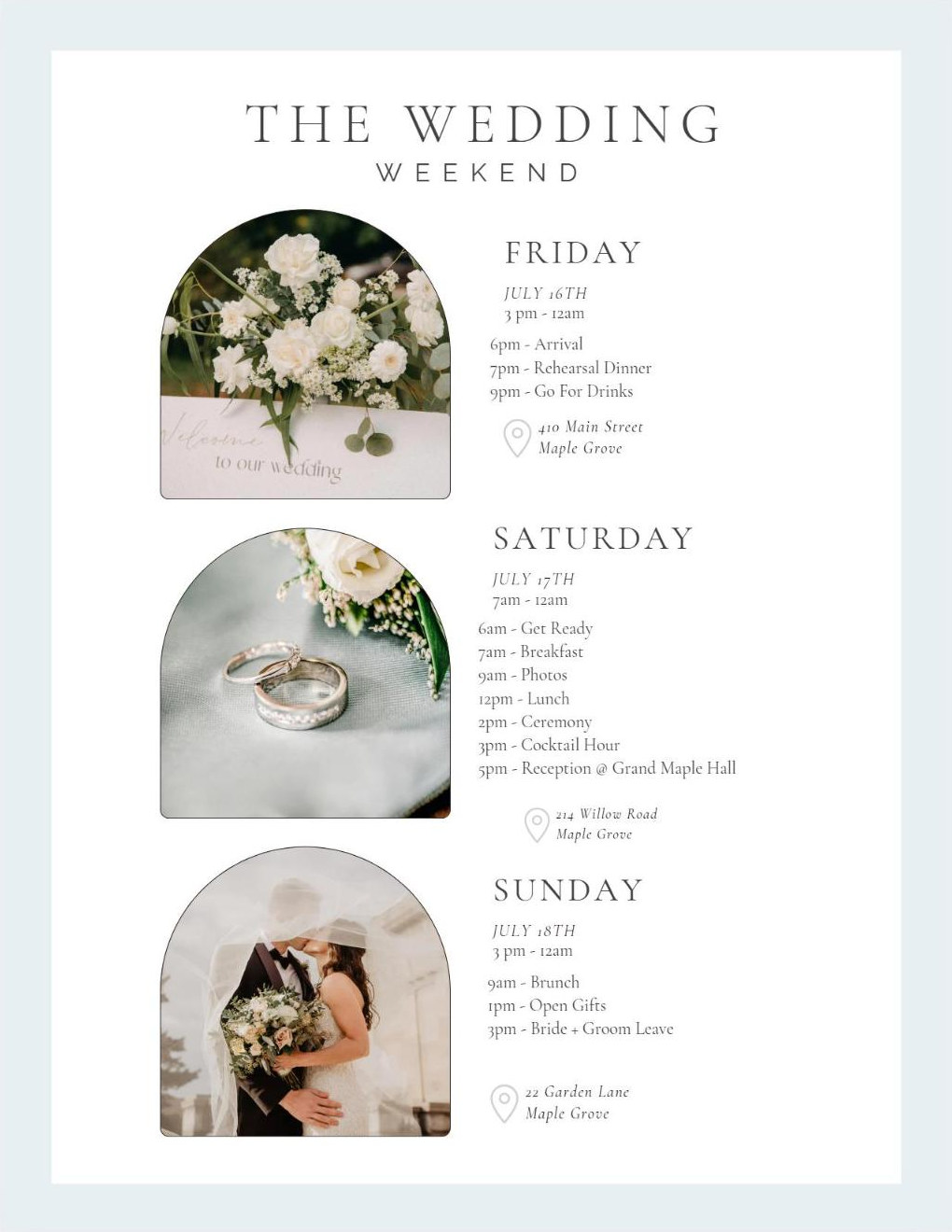
147 pages you edit in Canva for the day itself: timelines, roles, checklists and who to call. Print a copy or download a PDF.
Look insideSave the date, invitation, RSVP, details, menu and thank you. Shown in black and white; change to any color in Canva.
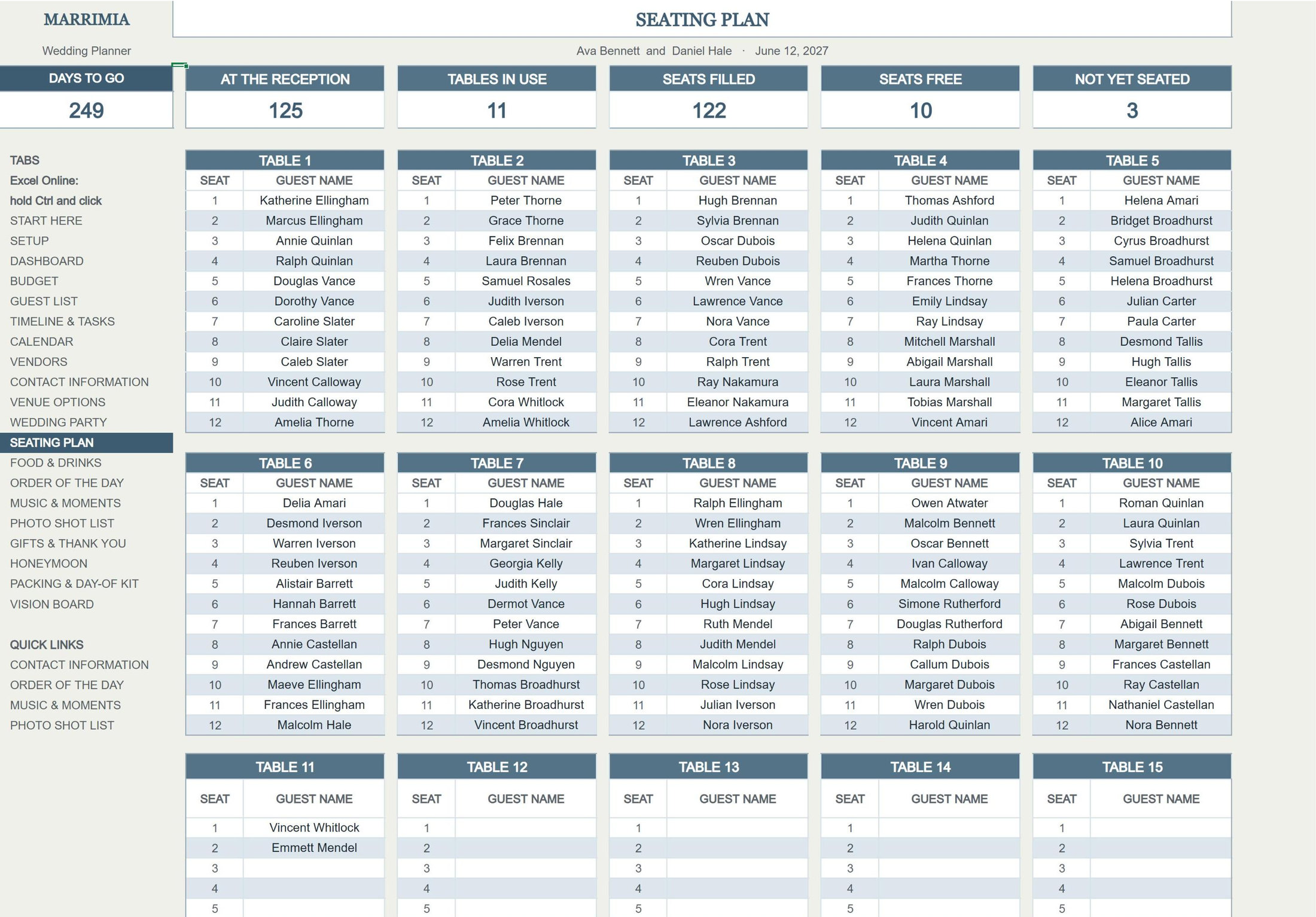
Look insideTwenty tabs that talk to each other. Enter a guest once and the seating plan, the meal counts and the thank-you list all follow.
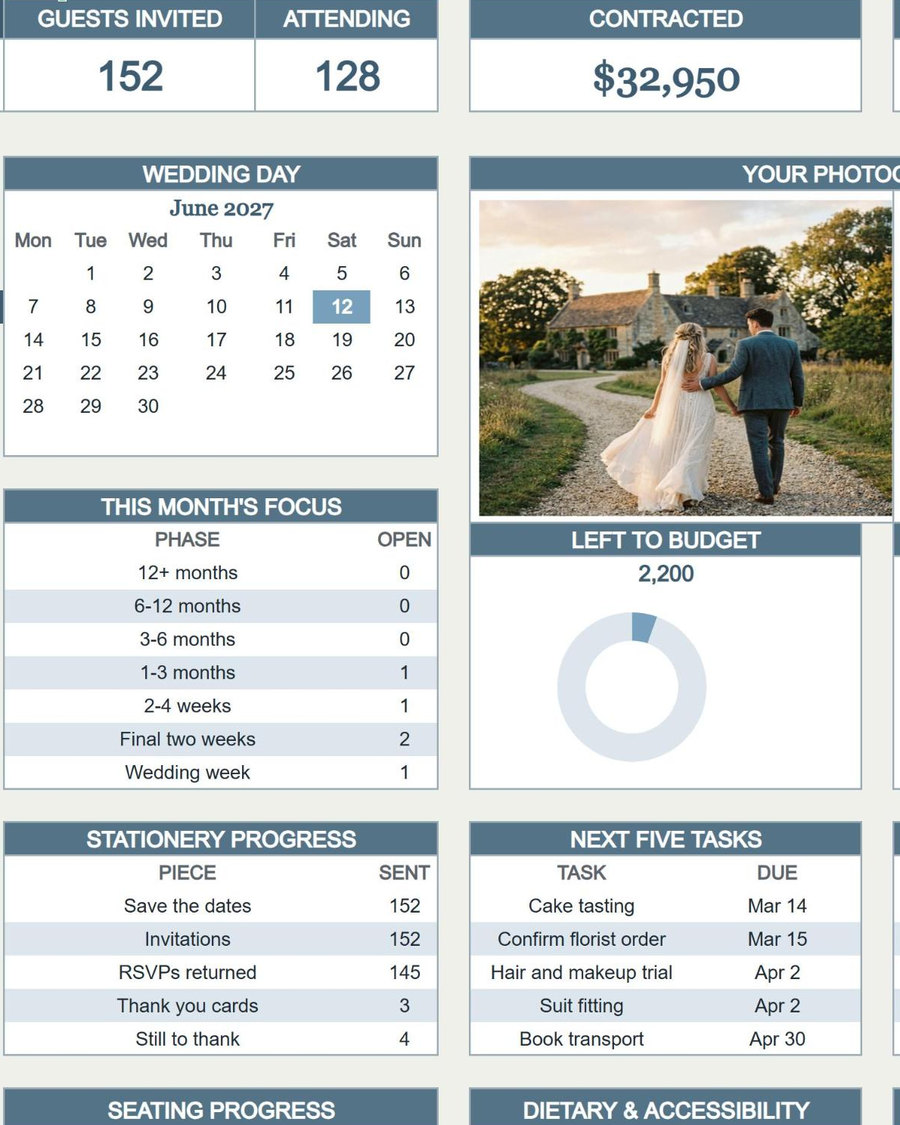
The whole wedding on one screen, updated as you type.
Days to goCounts down to your date on every tab.
Your photographDrop in your own picture.
ChartsRedrawn every time a number changes.
Needs attentionShows what is still outstanding.
RSVPsCounted for you as replies come in.
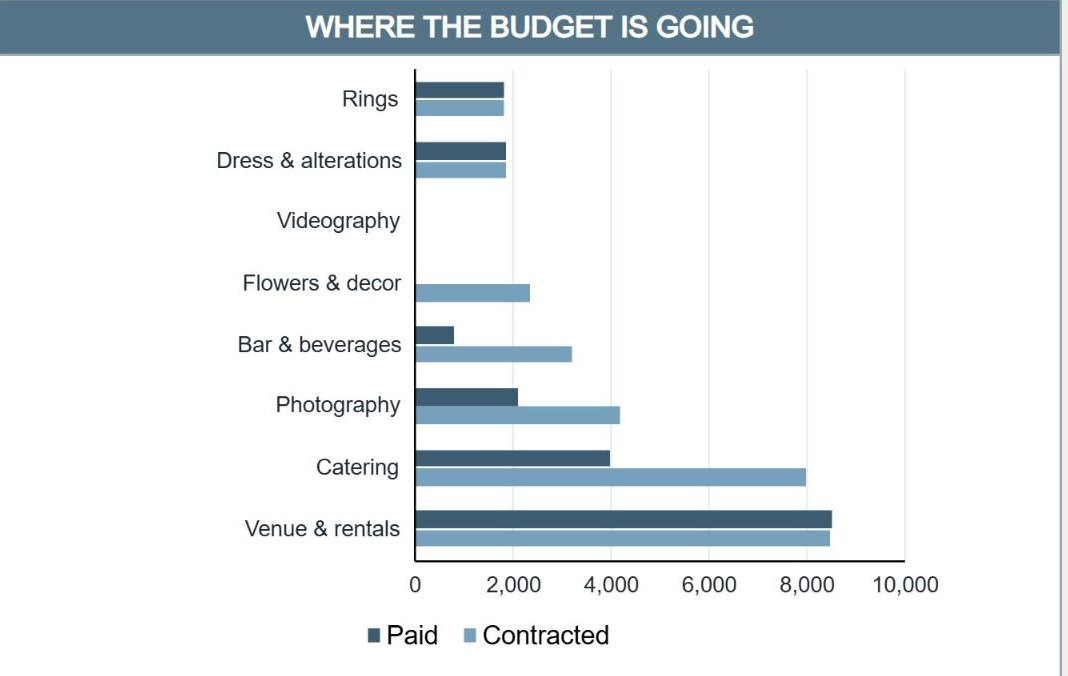
Budget by categoryWhere the money is going, at a glance.
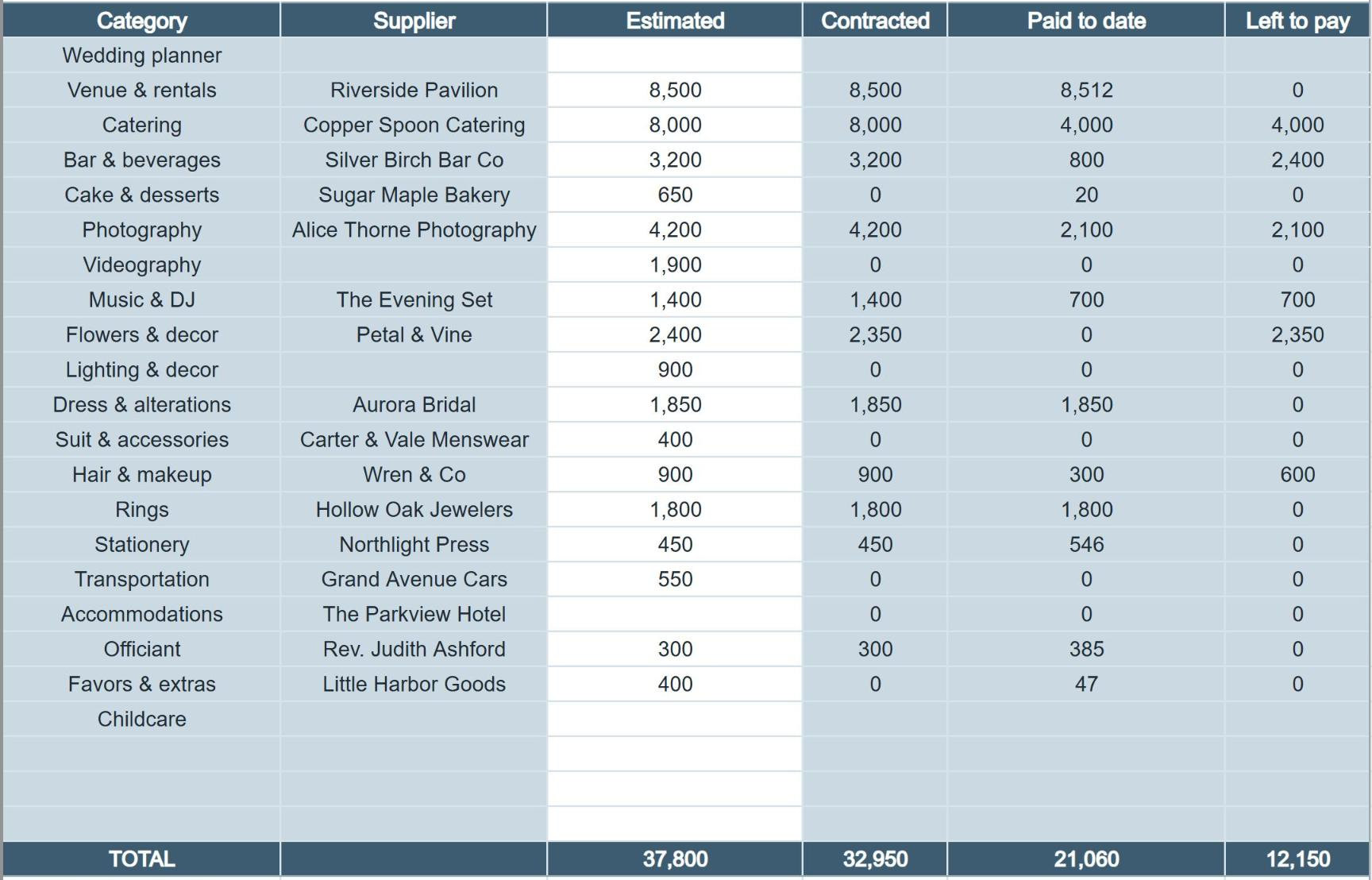
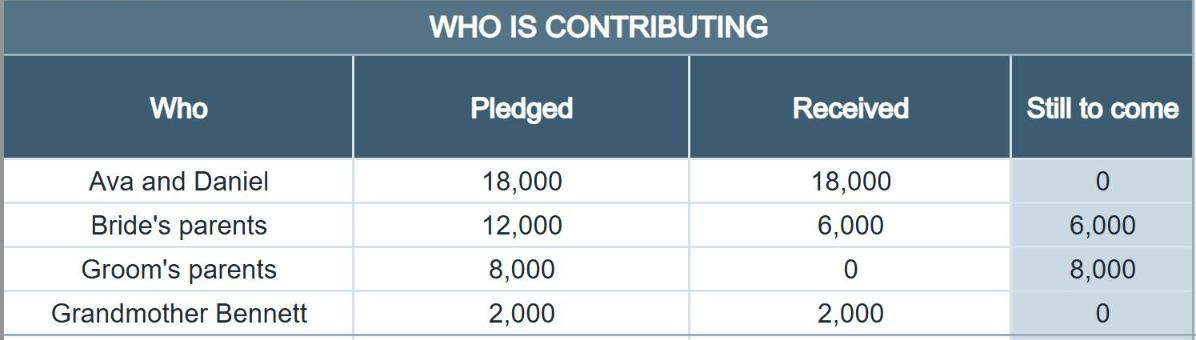
Every cost and every payment, without a single formula to write.

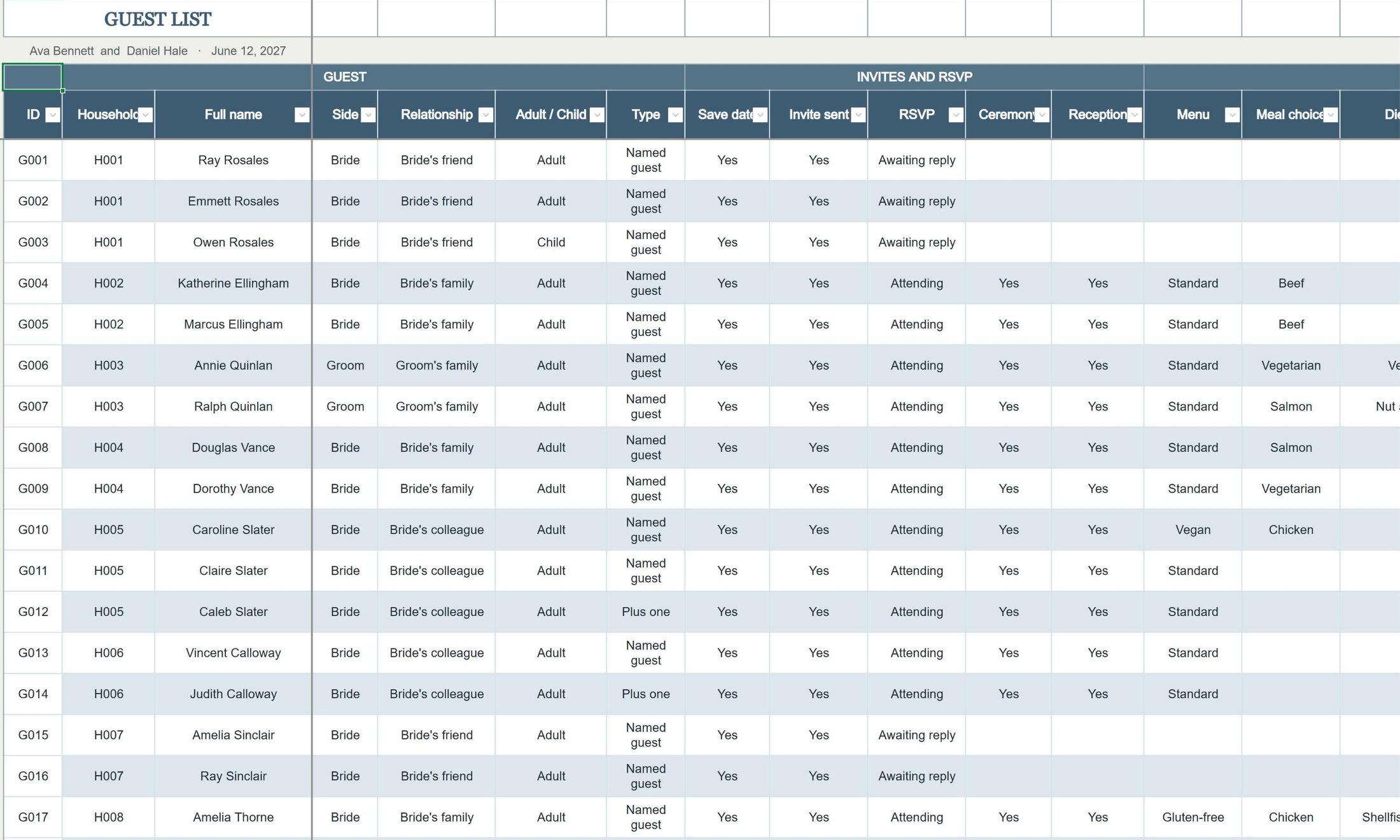
One row per guest. The seating plan fills from the same list.
Compare your caterer's quotes and see the real cost per menu.
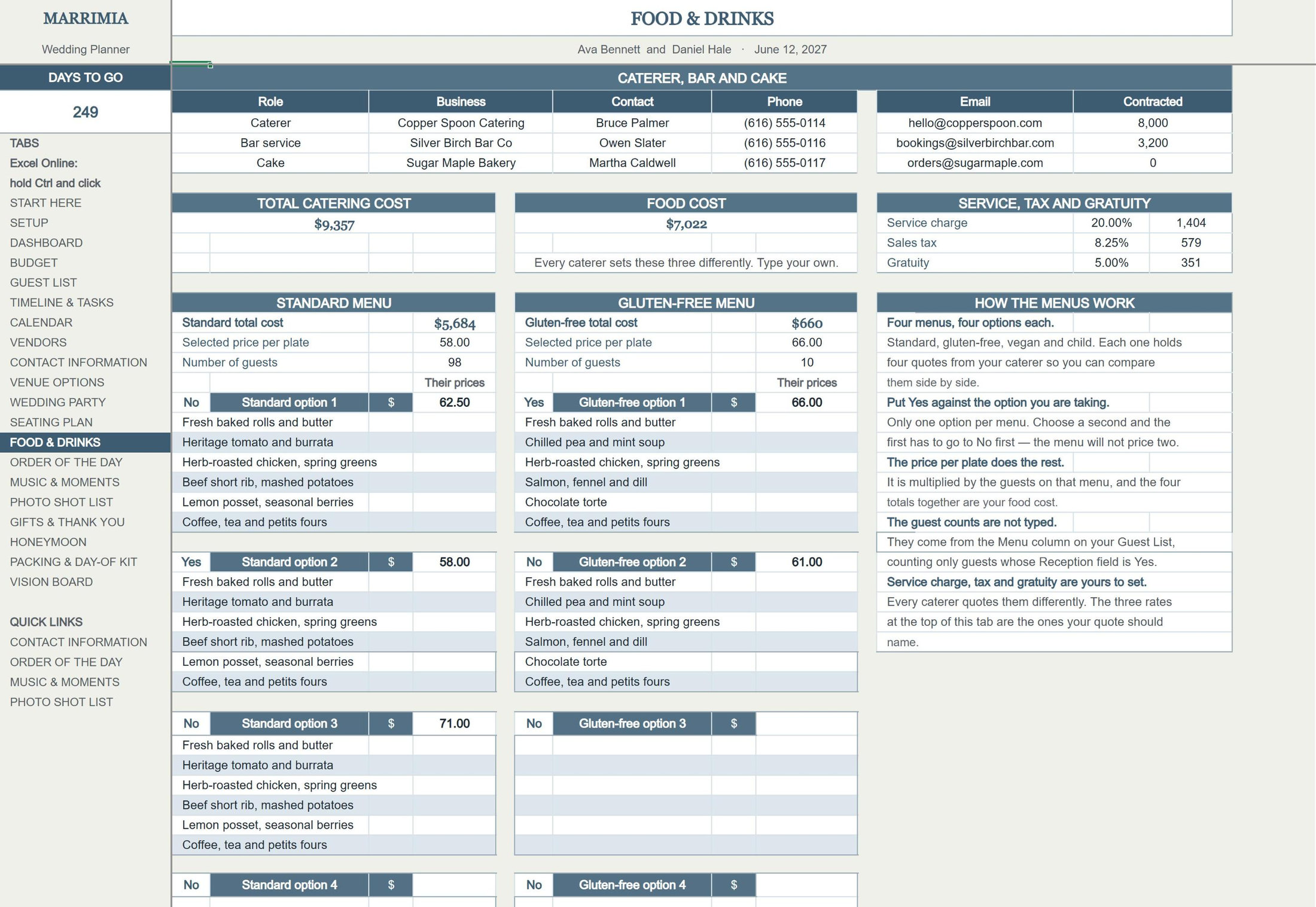
Total catering costFood, service, tax and gratuity together.
Yes or noMark the option you are taking and the price follows.
Your caterer's ratesType their service charge, tax and gratuity.
Four menusStandard, gluten-free, vegan and child.
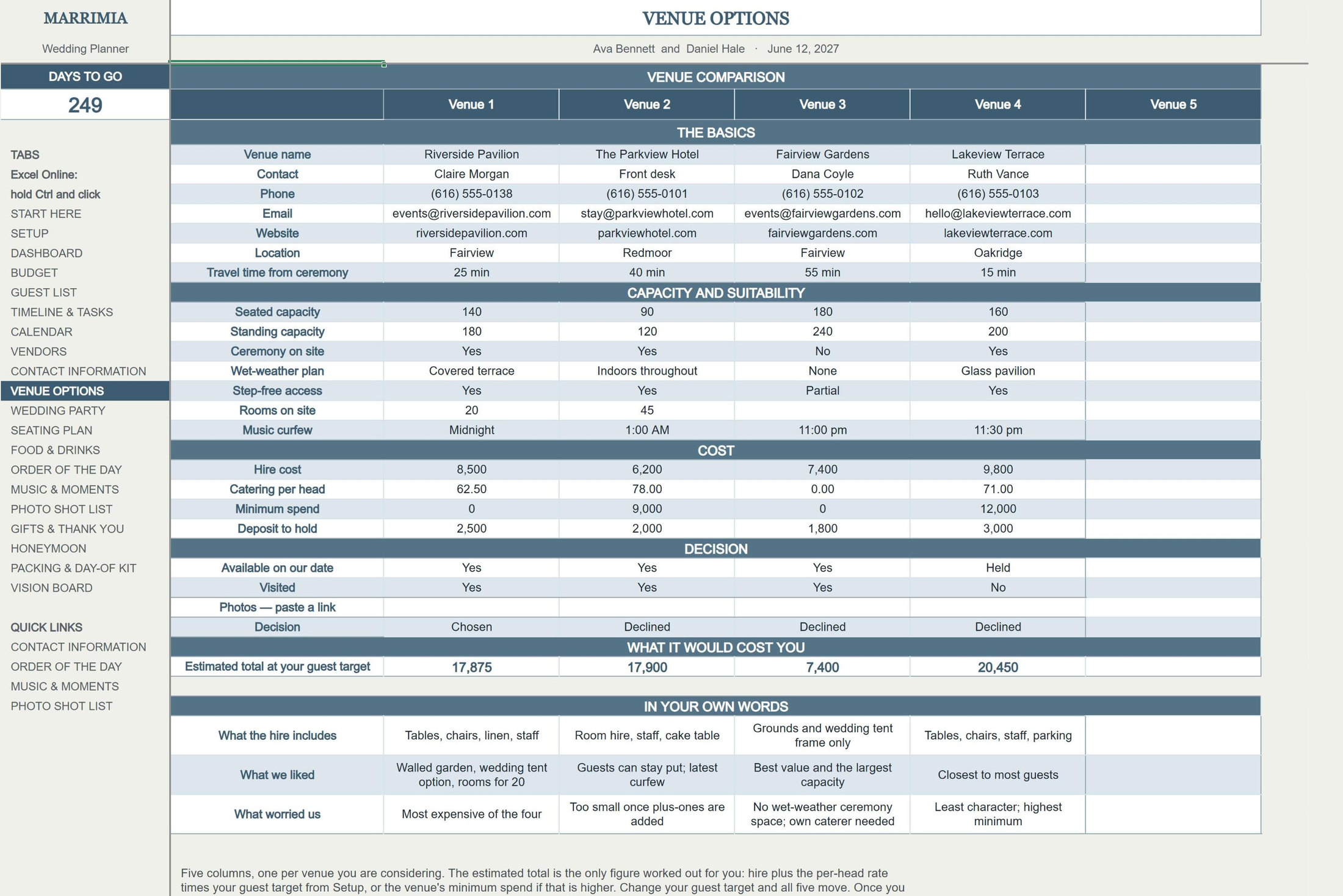
Up to five venues side by side, each with an estimated total at your guest count.
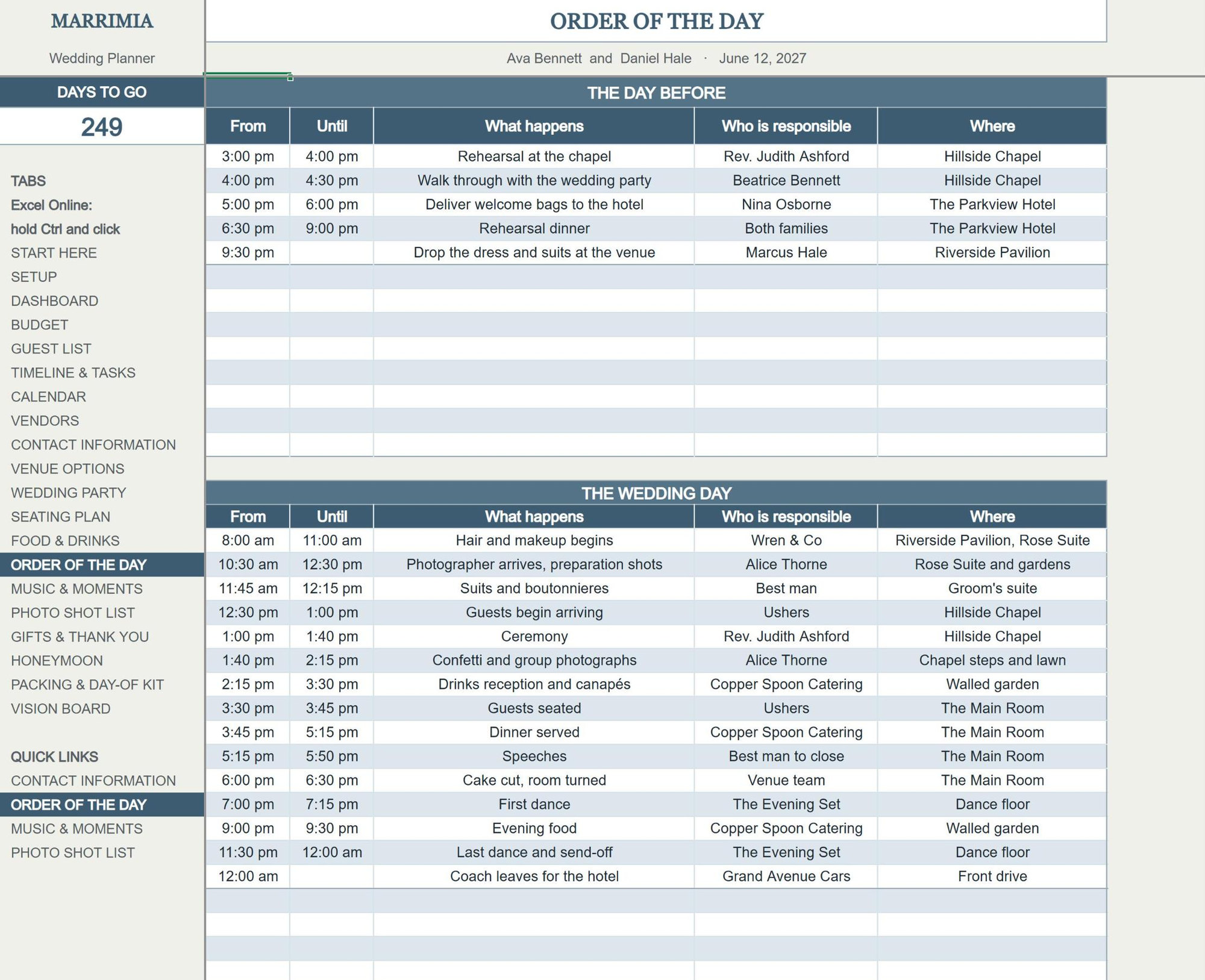
The running order from the rehearsal to the morning after, ready to hand to your coordinator.
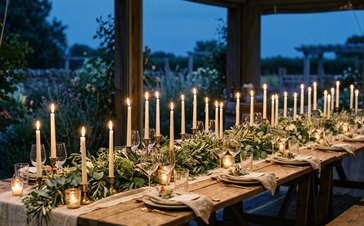

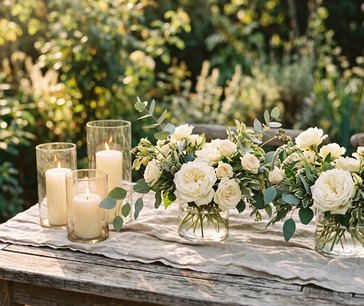
For the months of planning, and for the day itself.
147 pages for the day itself, made in Canva. Open the template, type in your own details, then print the pages and hand the right one to the right person.
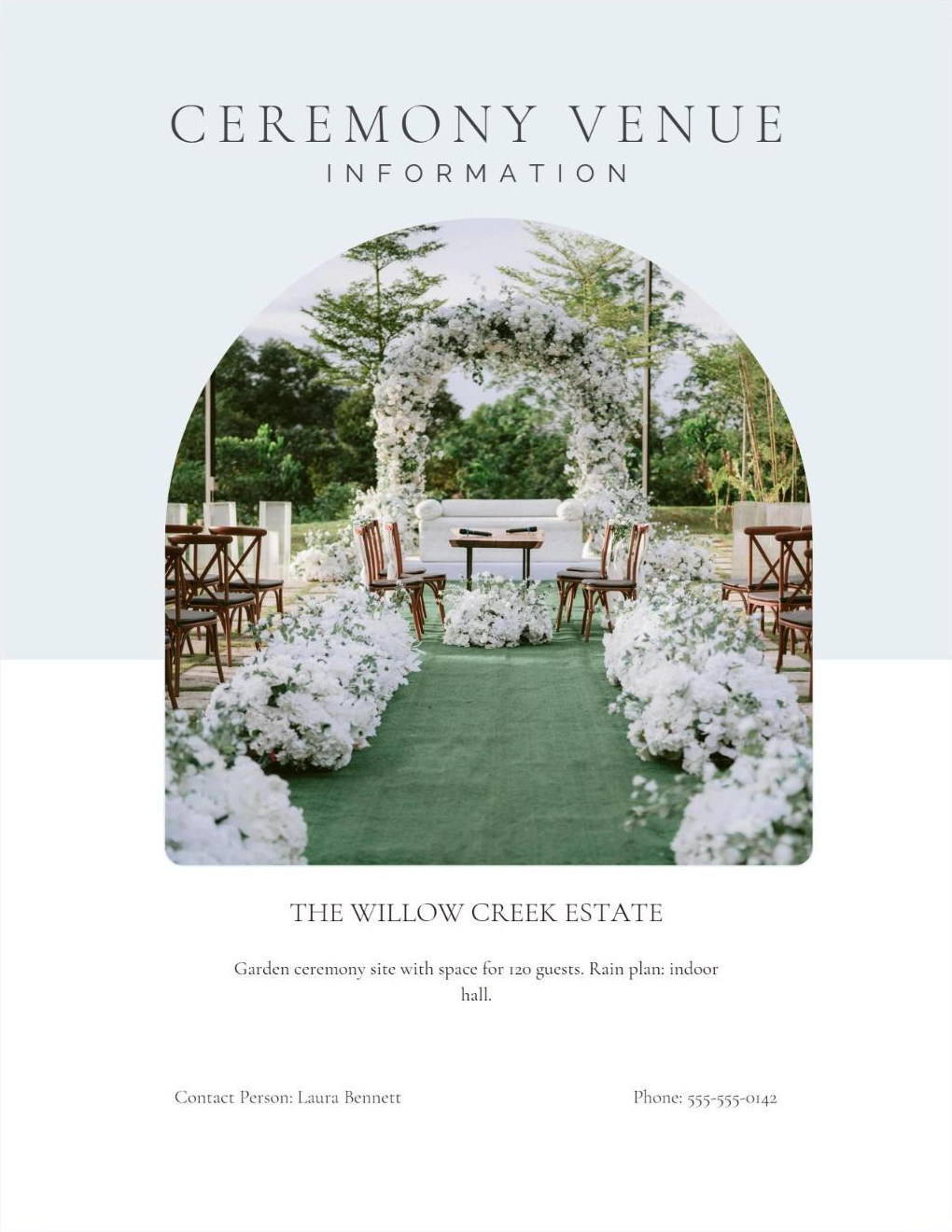
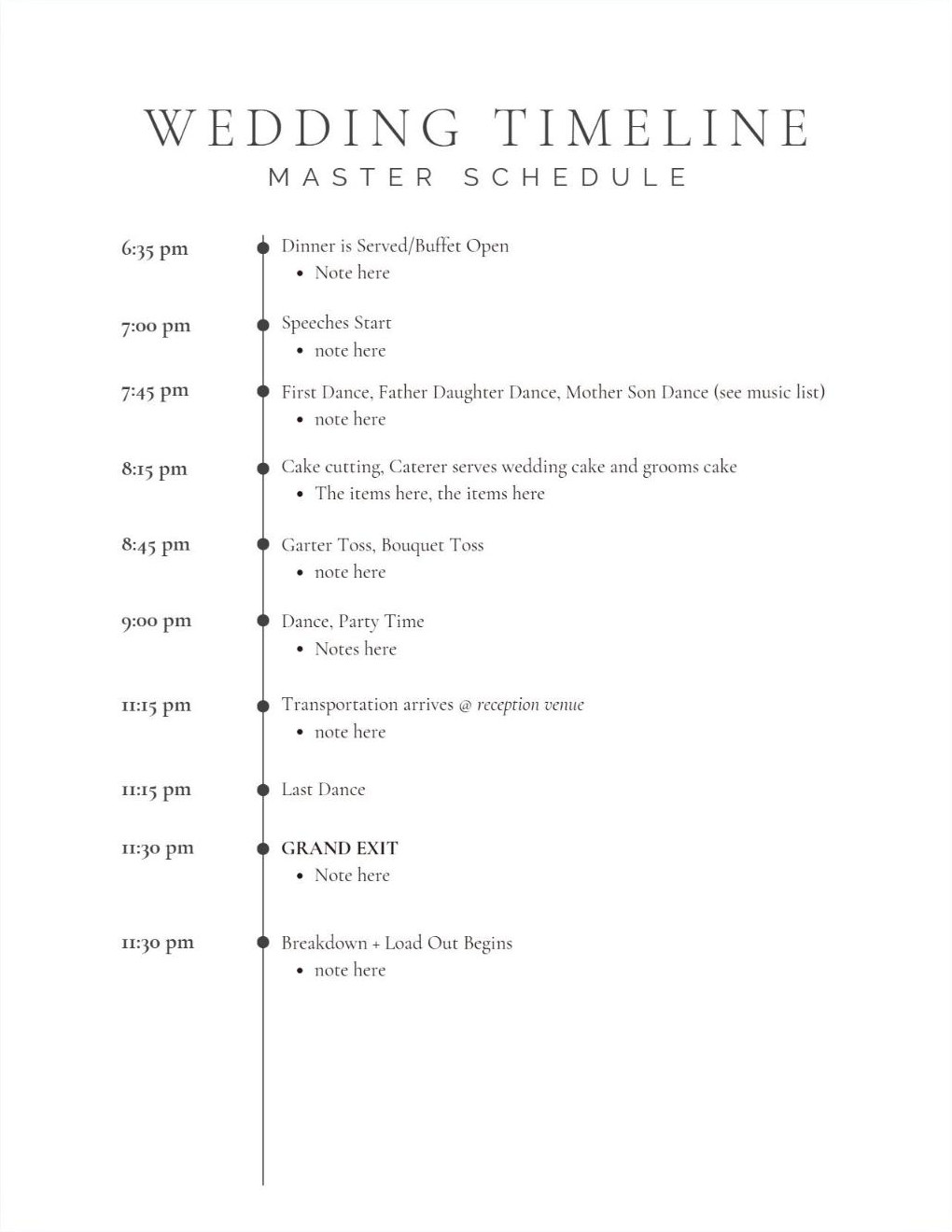
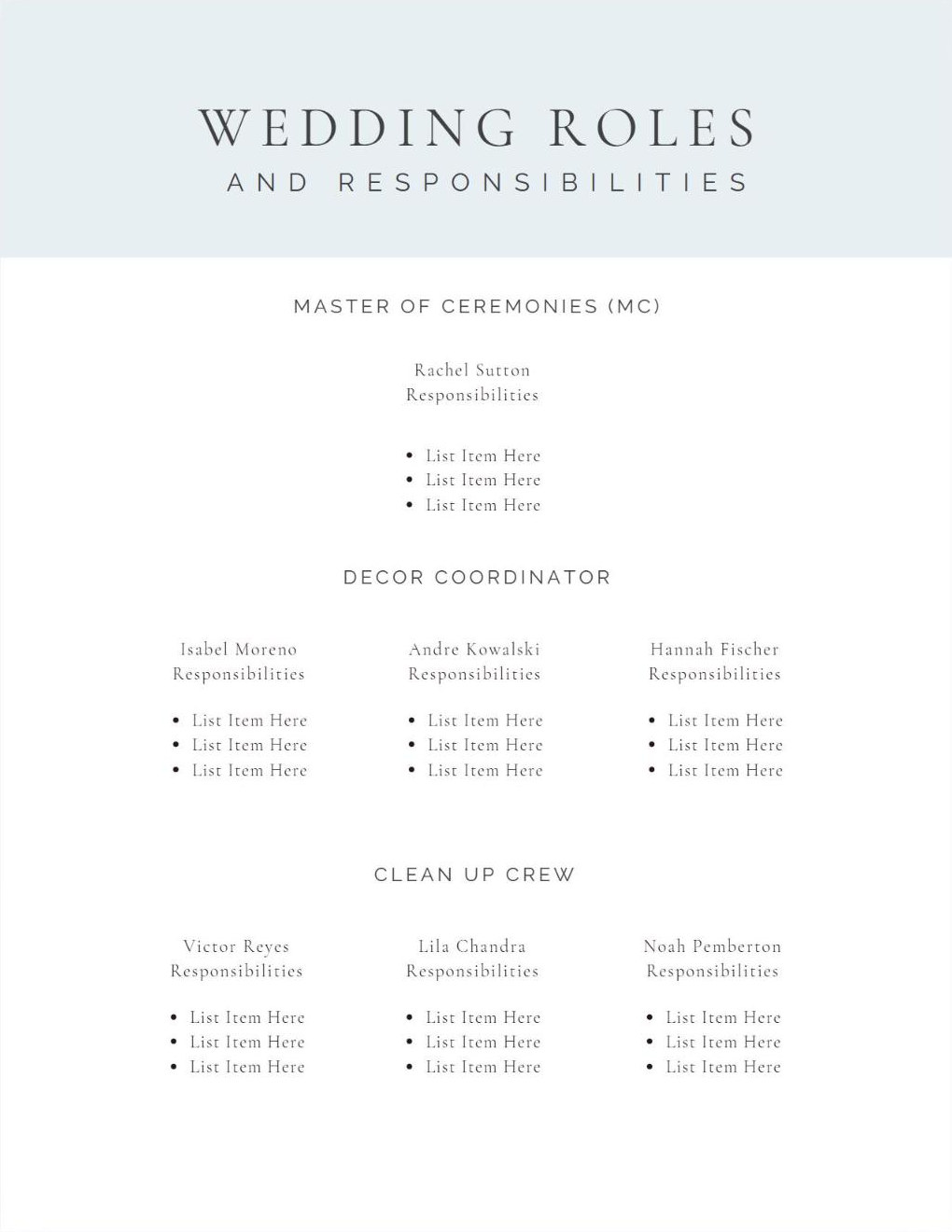
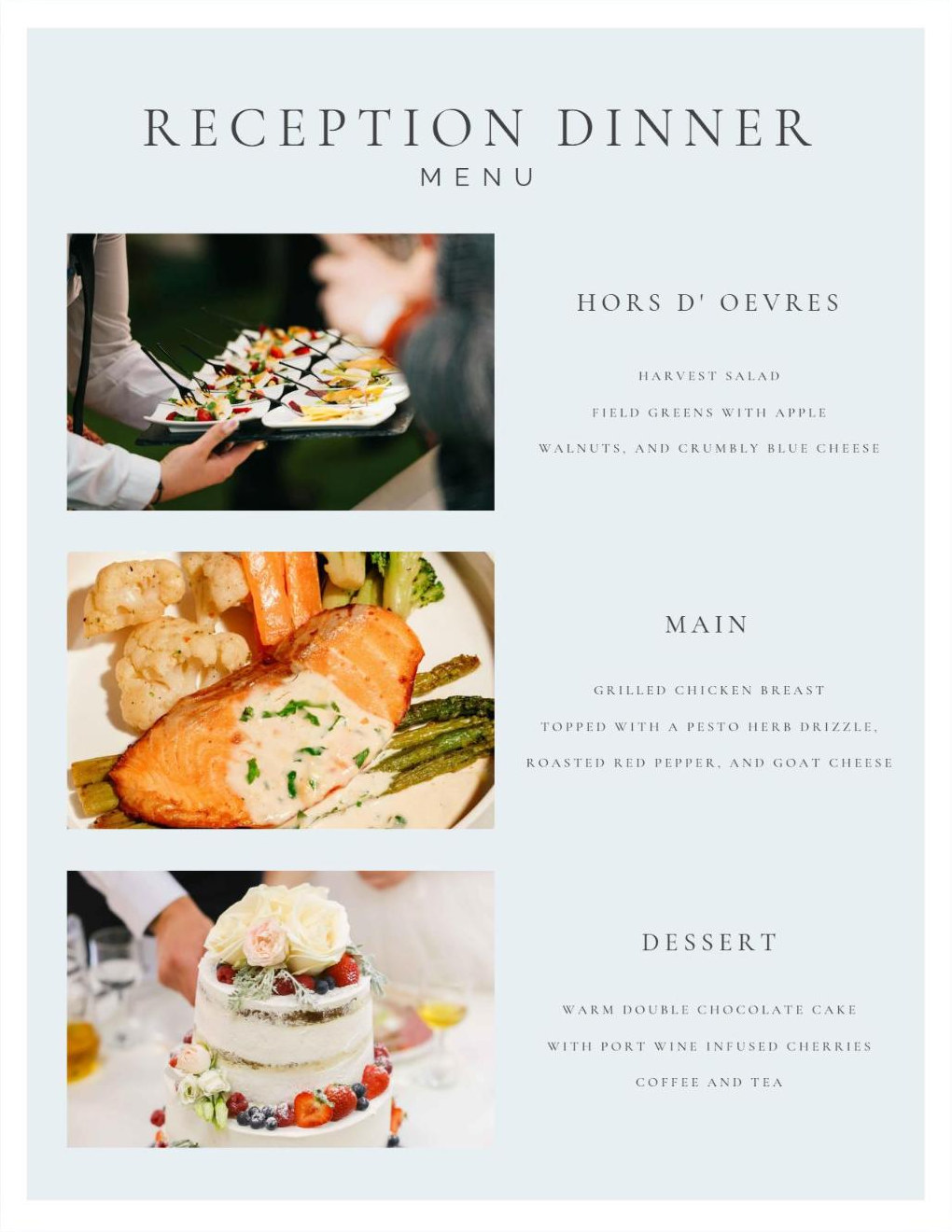
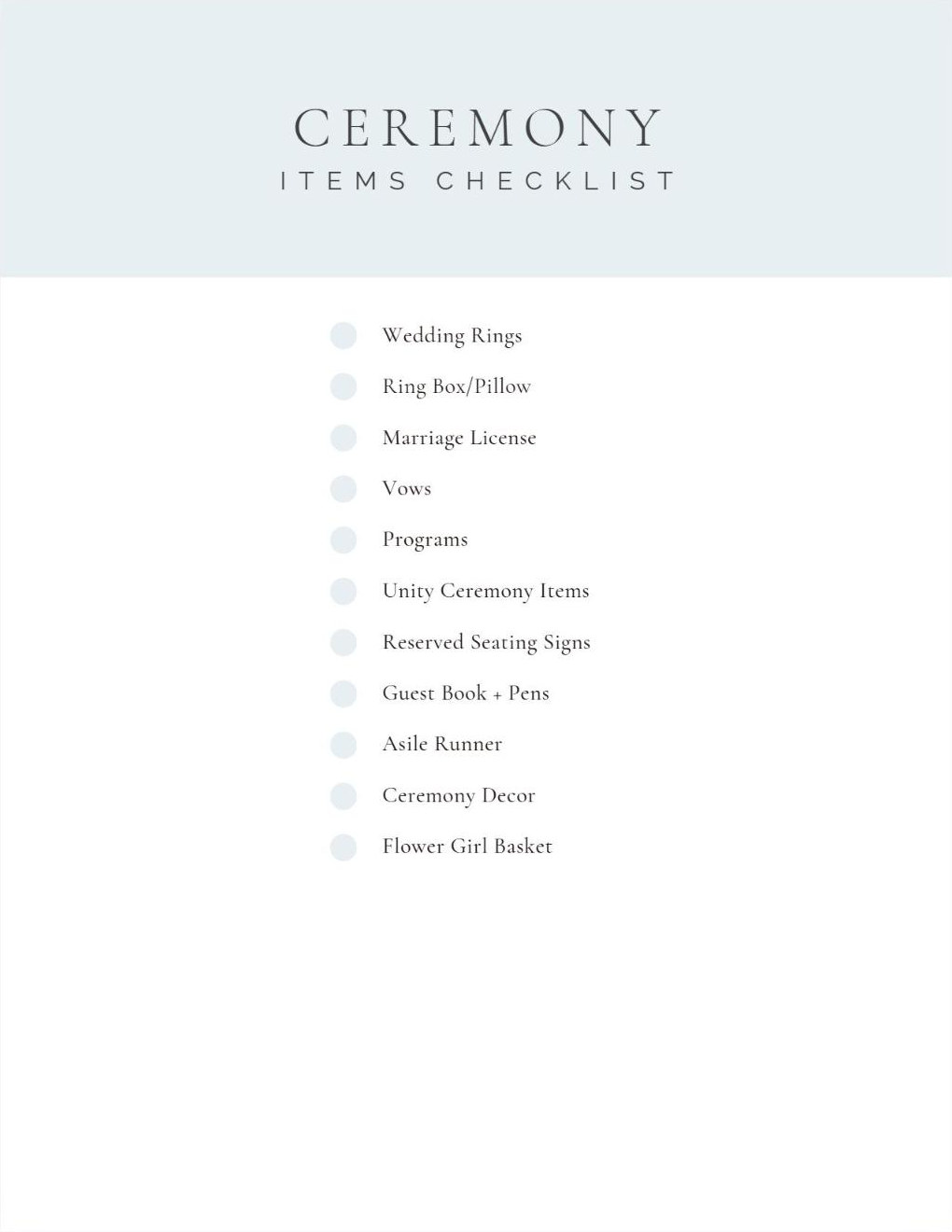
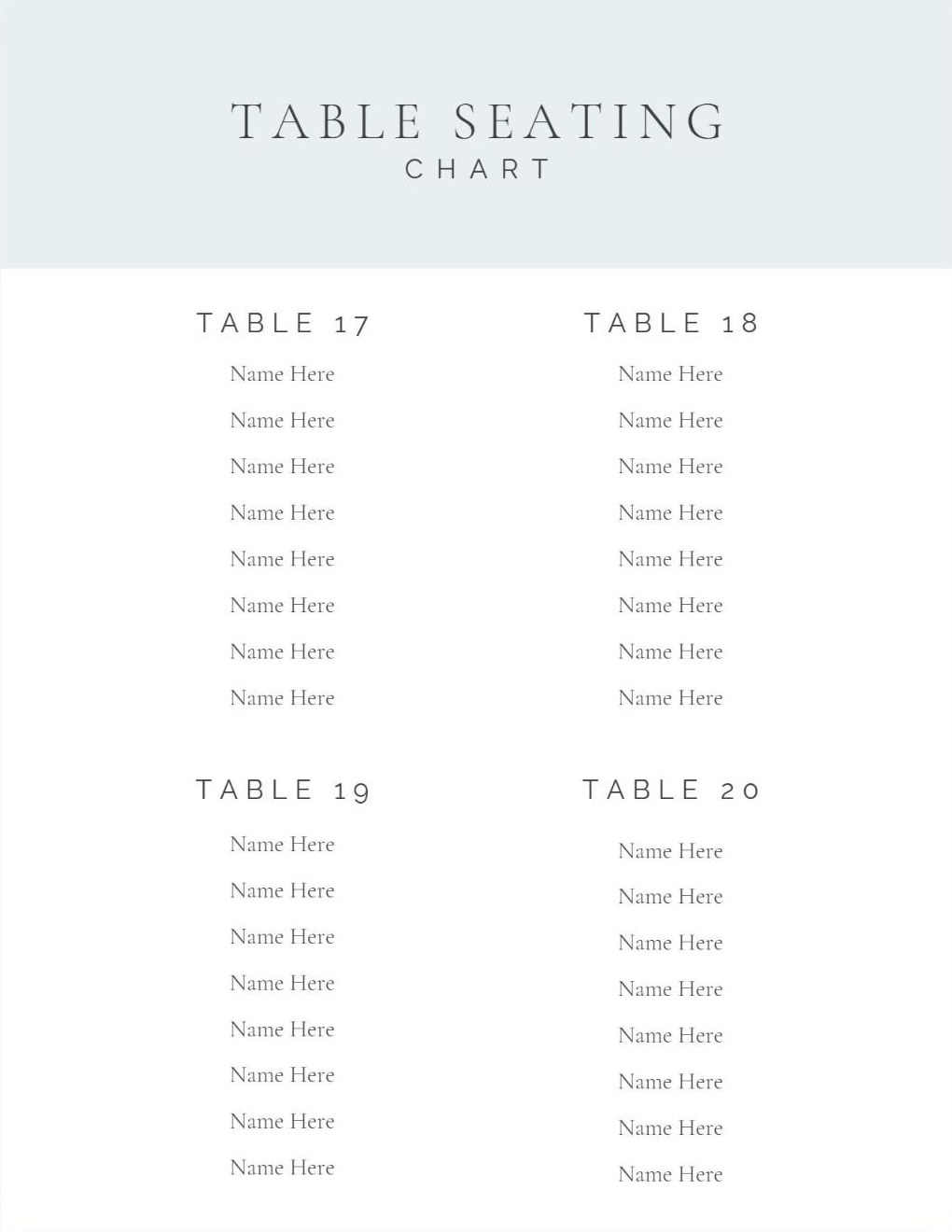
Each one opens with its own divider page, so the printed planner is easy to find your way around on the day.
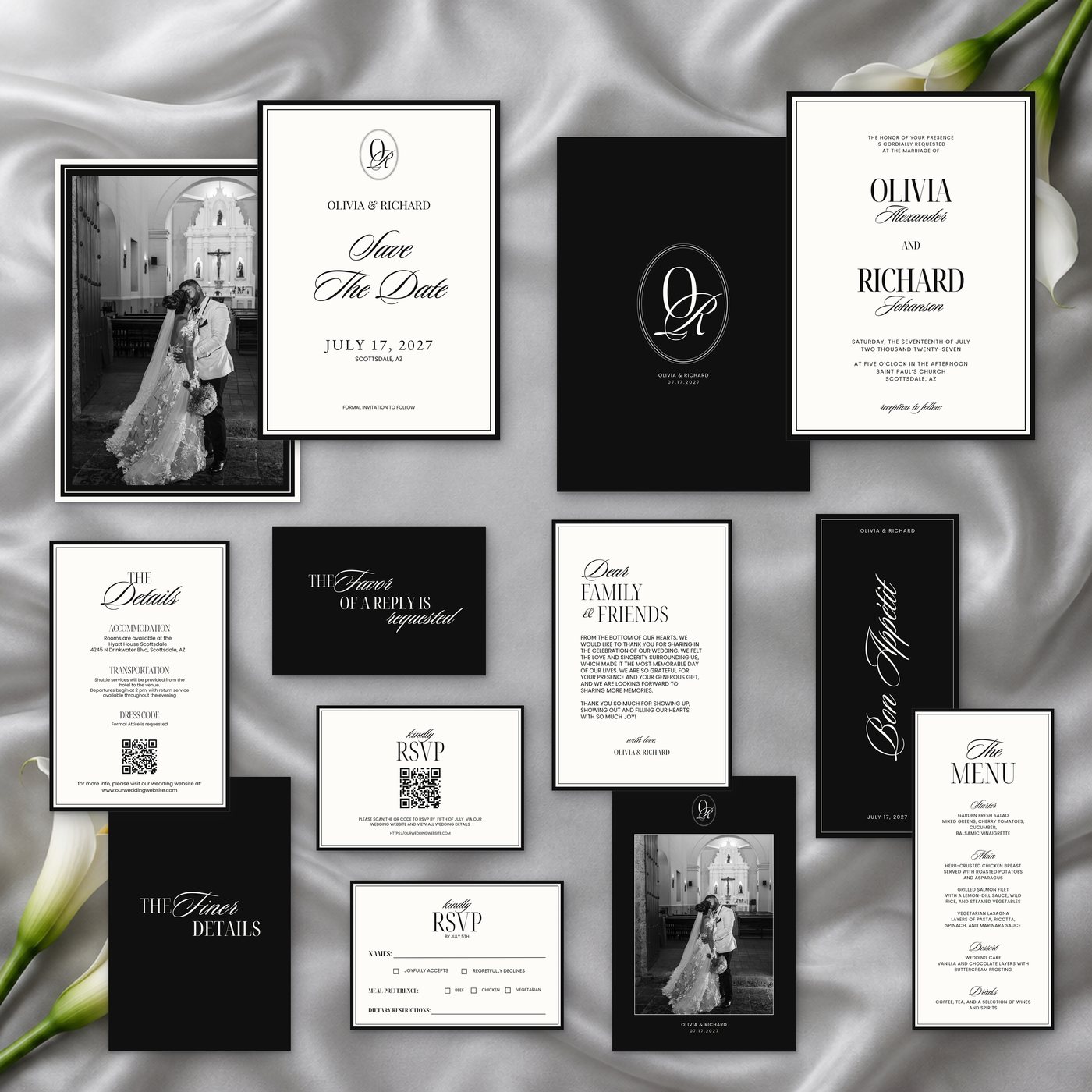
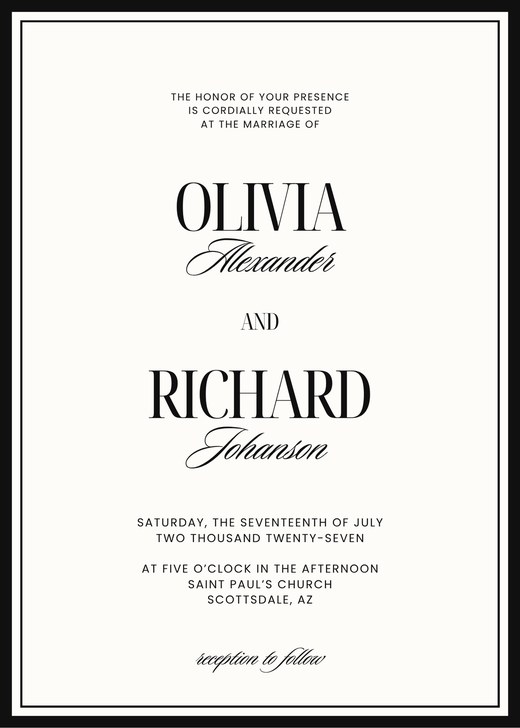
Six matching pieces, shown here in black and white. Edit each one in Canva: add your names, your date and your photograph, change the color to any color you like, then print at home or at a print shop.
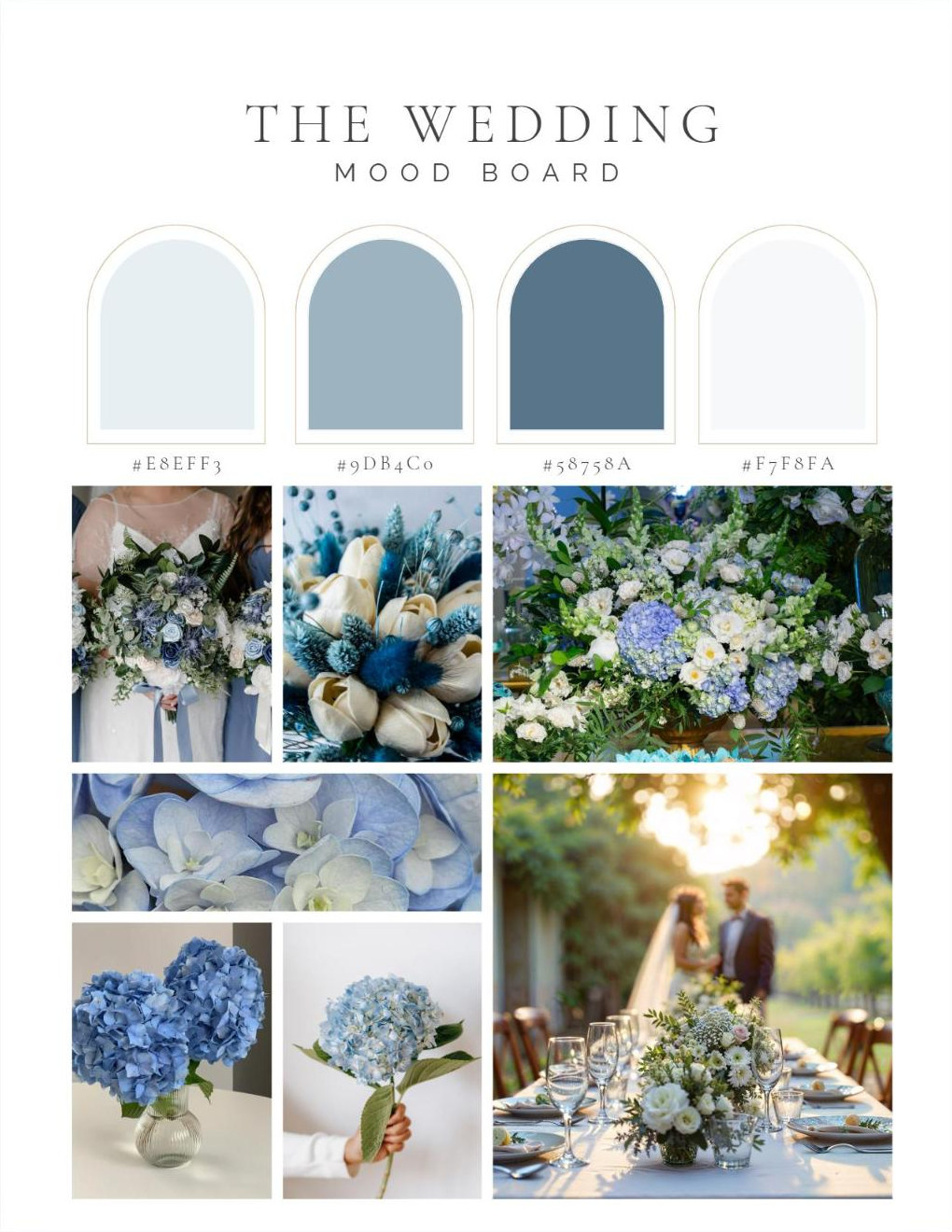
Every piece is a Canva template. Open a piece, click the color and pick a new one to match your wedding palette.
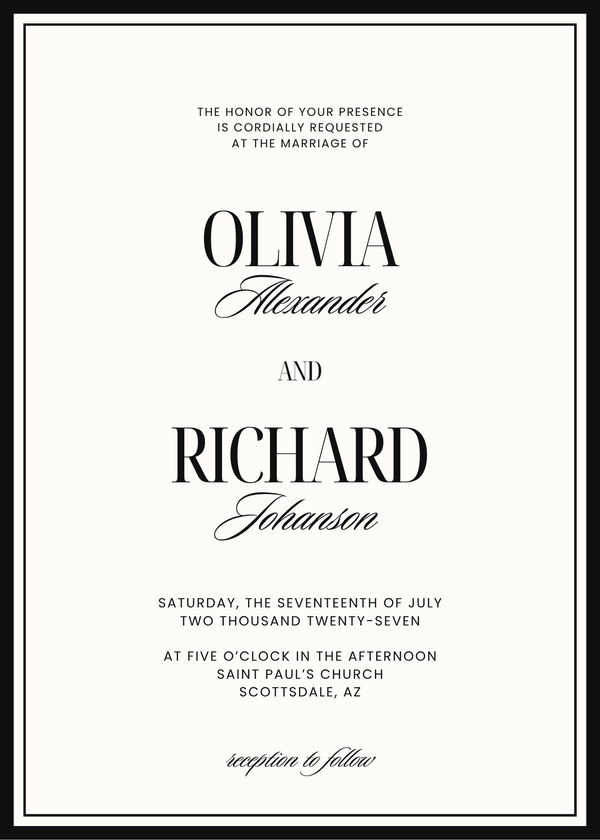
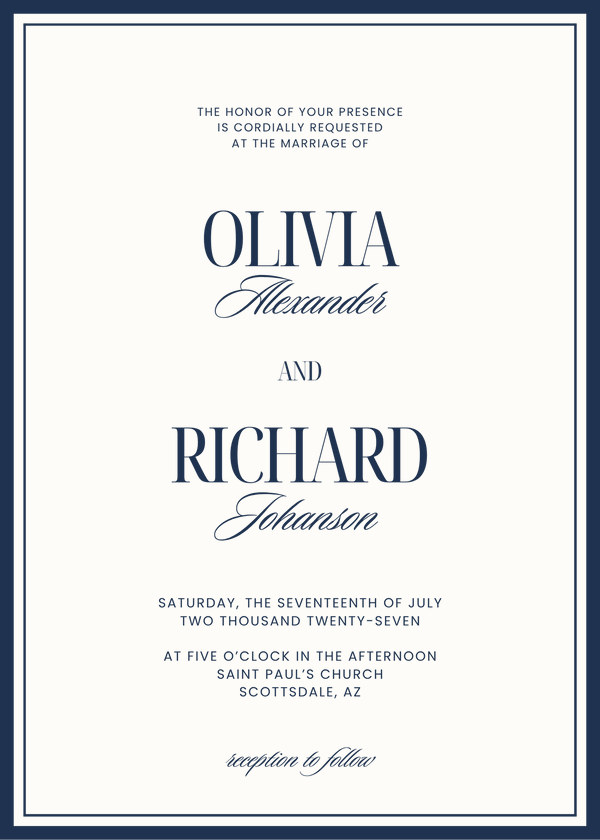
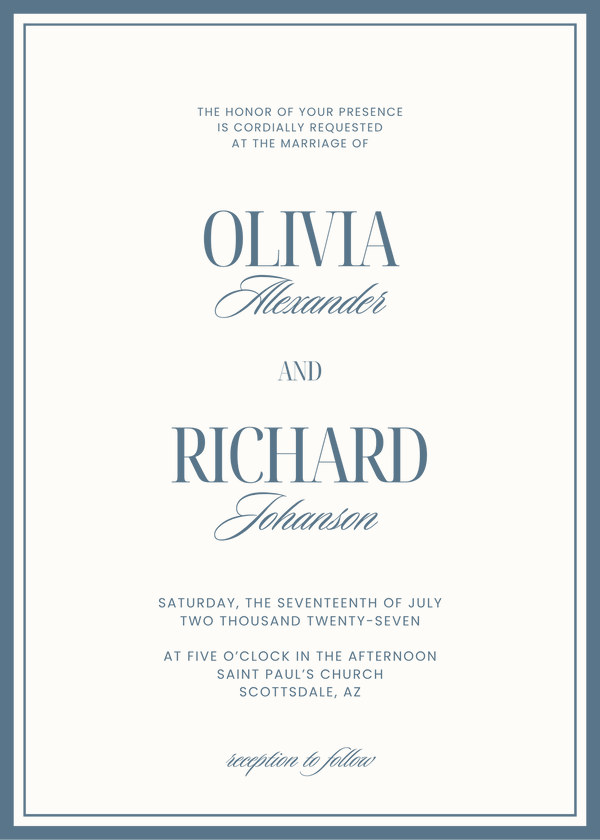
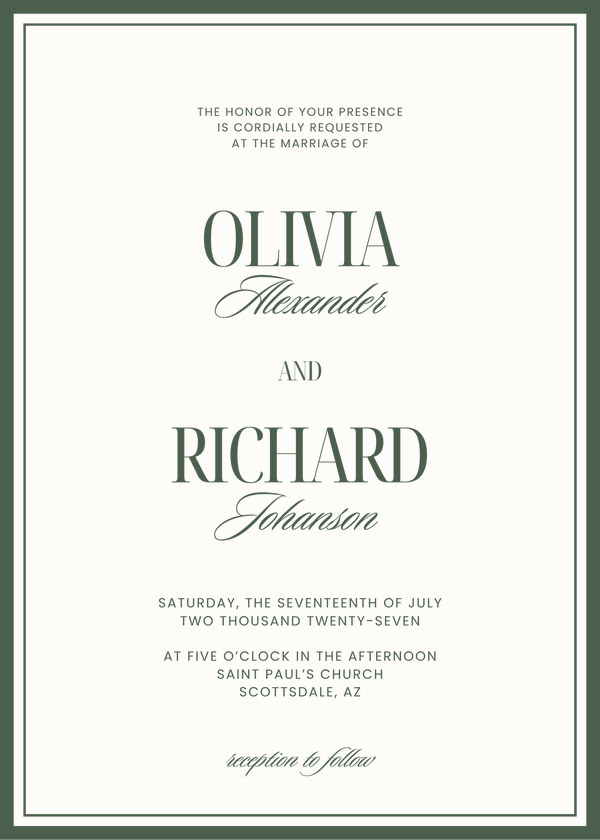
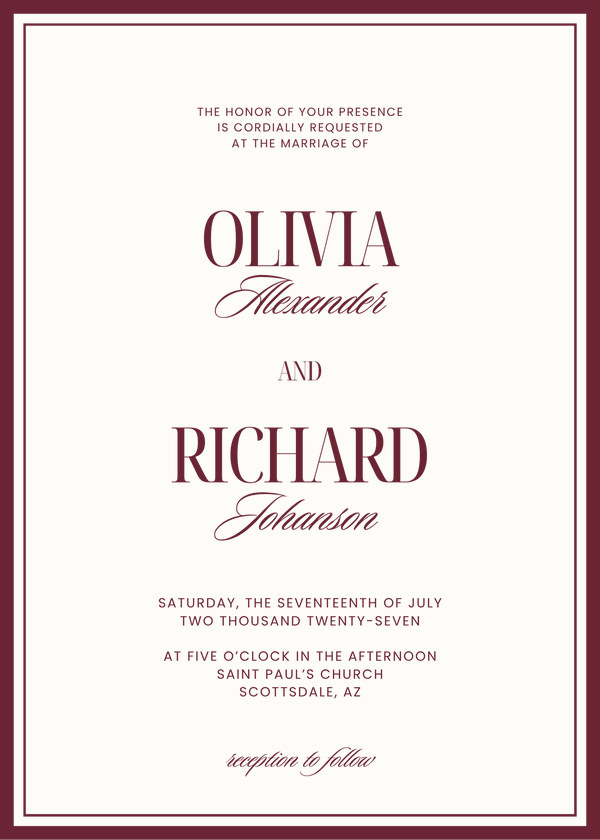
Five examples of the same invitation. Yours can be any color at all.
Digital download. All sales are final. Refund policy
Digital download. All sales are final. Refund policy
Pay securely by card.
Your files arrive by email straight away.
Open the filled example for a tour, then start on your own copy.
No. Everything is a digital download. You use the spreadsheet in Excel, either online in your browser or in Excel on your computer. You edit the Wedding Planner and the stationery in Canva and print them yourself, at home or at a print shop.
The spreadsheet is a Microsoft Excel file. You can view and edit it online with a free Microsoft account, or open it in Excel 2019 or later on your computer.
Yes. The Wedding Planner and the stationery are Canva templates, so you can change the names, wording, colors and photographs before you print.
Everything is a digital download, delivered the moment your order is complete, so all sales are final and we do not offer refunds. If a link doesn’t arrive, a file won’t open, or you bought the same set twice by mistake, send us a note and we will put it right. Read the full policy.